
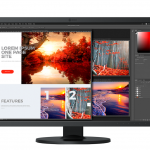
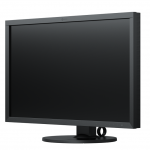
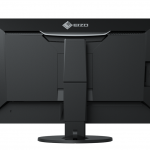
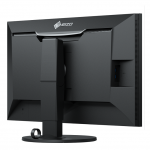
ColorEdge CS2740 27″
Τιμή: 1.329,00€ με Φ.Π.Α
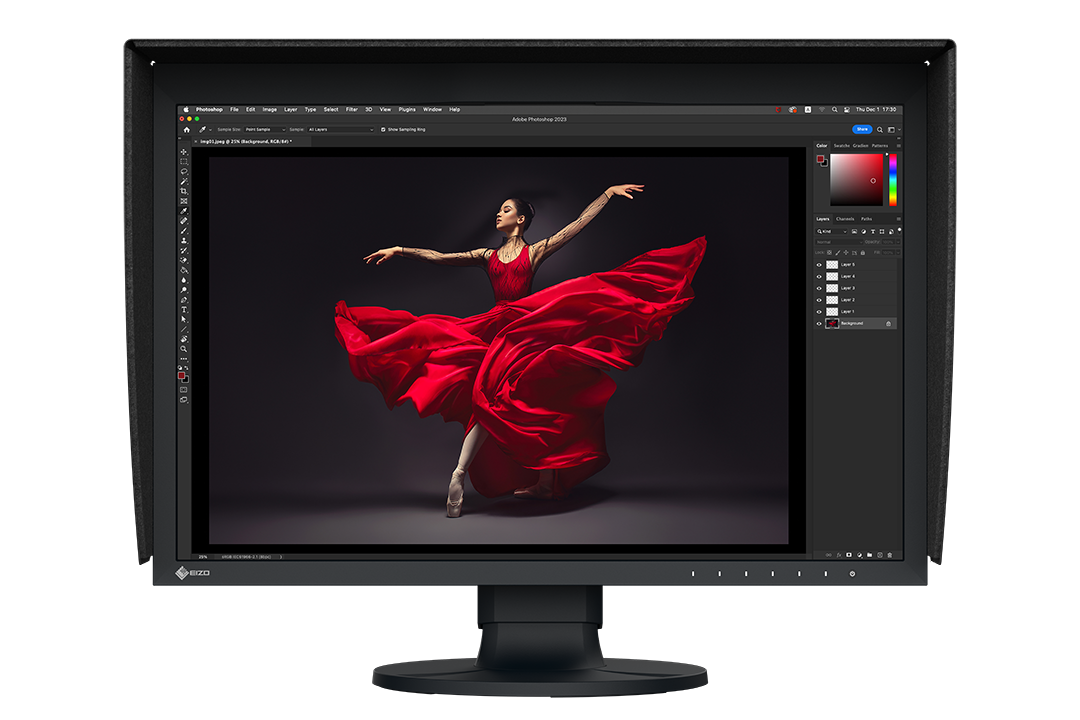
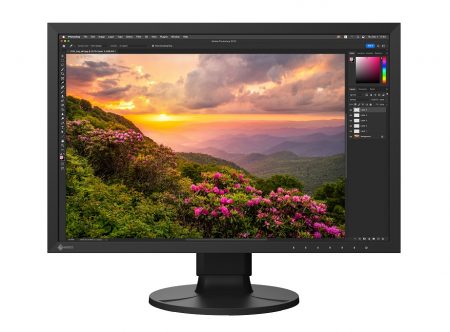
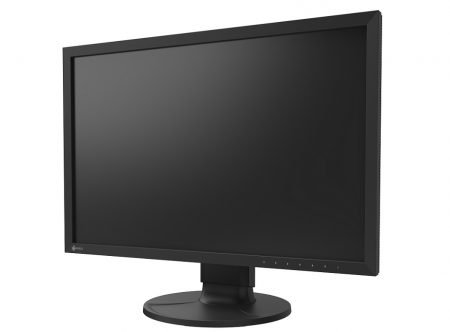
The elegant 4K monitor for every creator.
Τιμή: 1.329,00€ με Φ.Π.Α
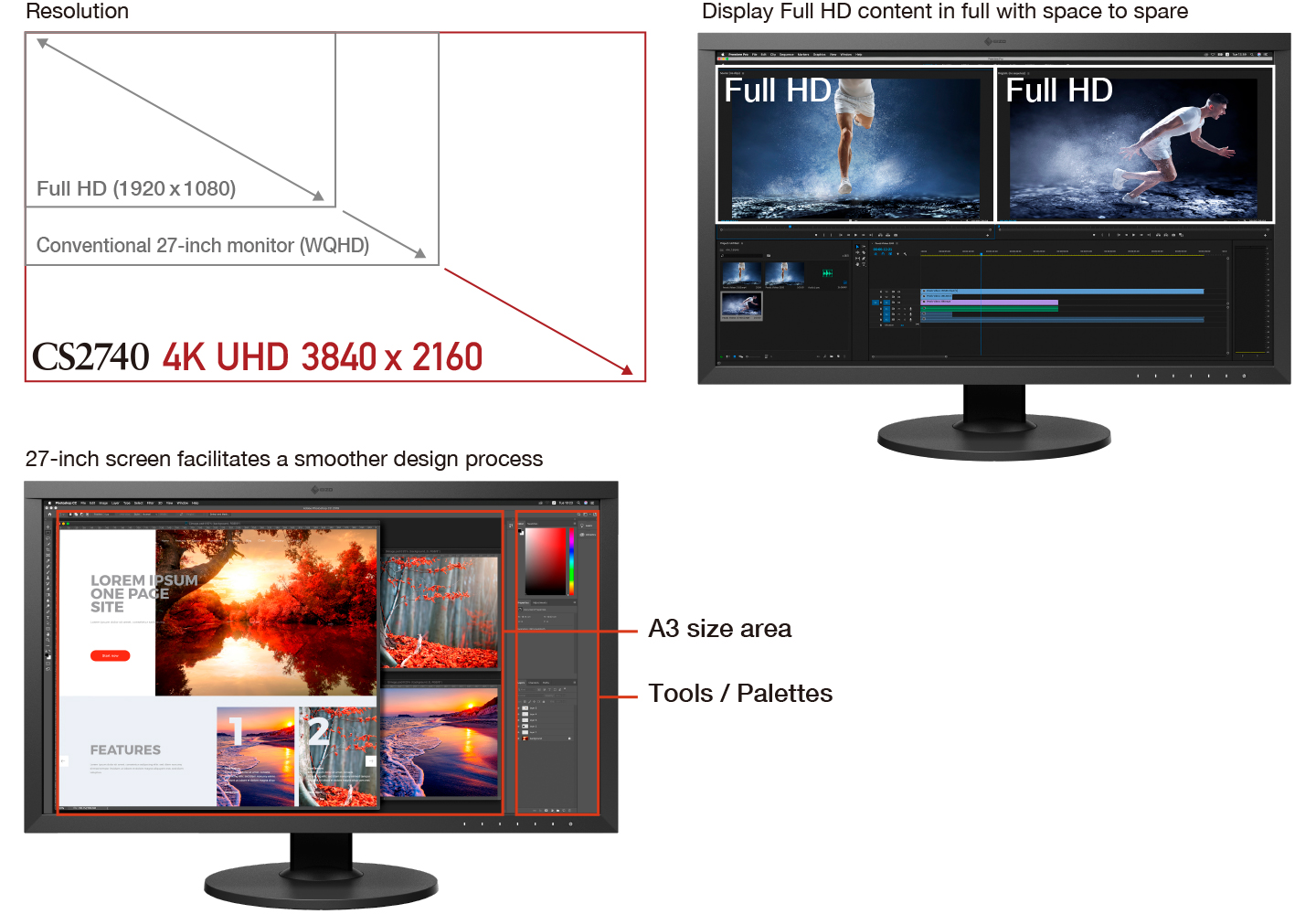
4K UHD Resolution
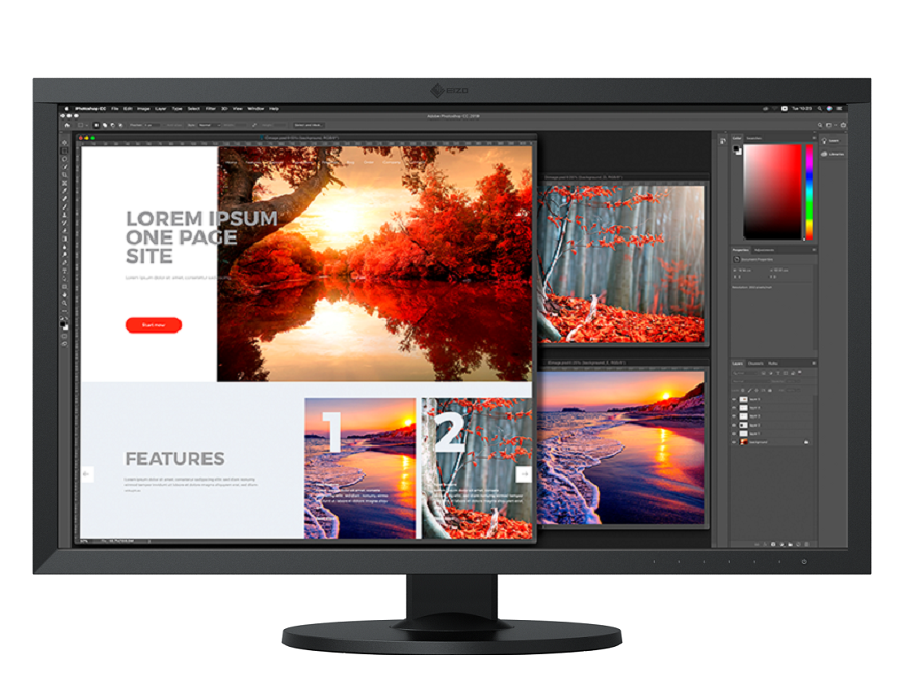
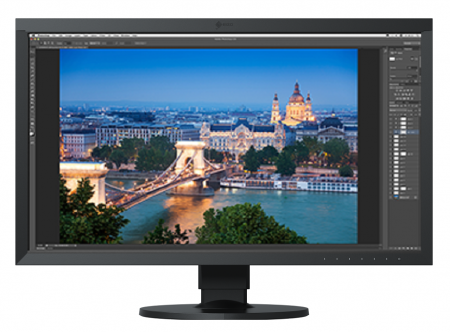
The ColorEdge CS2740 is the first CS series monitor to implement 4K UHD resolution (3840 x 2160), which is four times the size of Full HD. The remarkable detail ensures that high resolution photos and other content are displayed crisply. The 27-inch screen provides ample space for easily displaying Full HD content in full with enough space to show toolbars and palettes, panels, and other windows or applications simultaneously. This makes the monitor versatile for photos, video editing, design, and other types of creative work up to 4K.
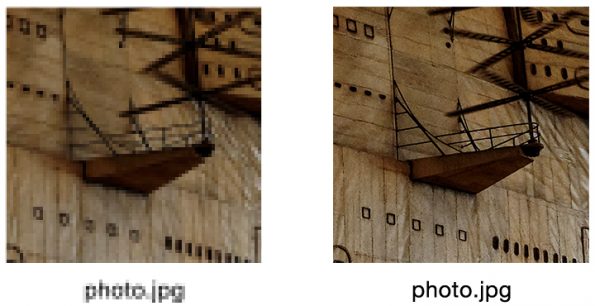
High Pixel Density for Smooth Display
A conventional monitor displays in Full HD with just 96 ppi. The ColorEdge CS2740 boasts a pixel density nearly twice that at an incredible 164 ppi for 4K image display that has never looked smoother. Alphanumeric characters and contours are distinguished with excellent sharpness so you can check even the finest details without needing to zoom in.
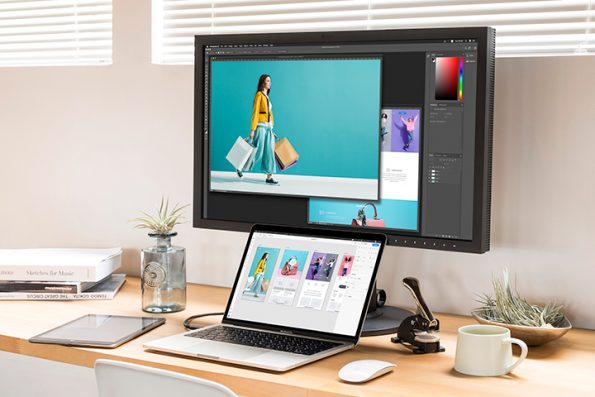
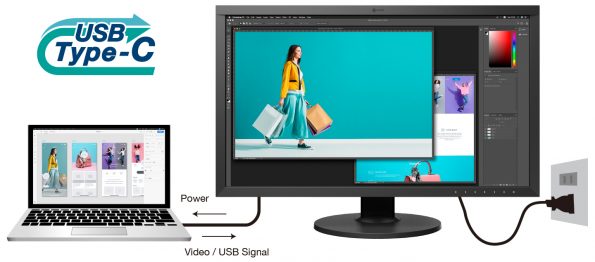
Single Cable Connection with USB Type-C
The ColorEdge CS2740 features USB Type-C connectivity with 60 W power delivery. With a single USB Type-C cable you can display video, transmit USB signals, and supply power to a connected device such as a smartphone or notebook PC. Simply plug in and get creative without worrying about additional cable clutter.
Simple and Precise Color Management
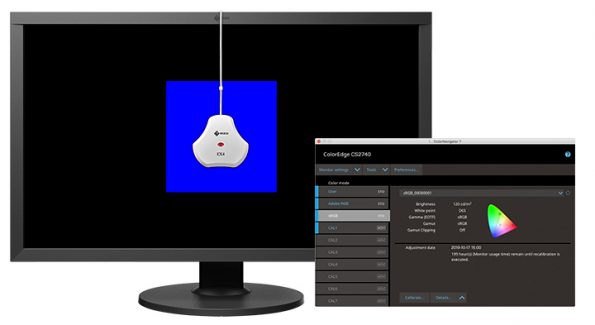
ColorNavigator 7 Software
ColorNavigator 7 is the latest calibration and quality control software for ColorEdge color management monitors. It combines all the features of EIZO’s previous color management software, ColorNavigator 6 and ColorNavigator NX, to create a new and improved solution for creatives in a range of fields. The proprietary software performs hardware calibration by directly utilizing the LUT (look-up-table) of the monitor for higher precision and better gradation characteristics compared to software calibration.
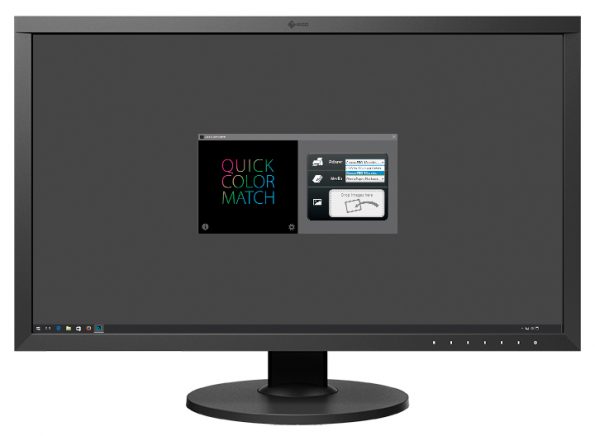
Quick Color Match Software
Even with all the right equipment, color matching can be a tedious process – from monitor adjustment to determining the best retouch software and printer settings – achieving an accurate print takes a great deal of time. Quick Color Match greatly simplifies the process by automatically adjusting to the ideal monitor, retouching software, and printer settings so you can focus on editing your photos and print your work quickly and hassle-free. Simply drag and drop your photo in the Quick Color Match window to automatically start the process.
Color Accuracy
Vivid Colors Reproduced to Industry Standards
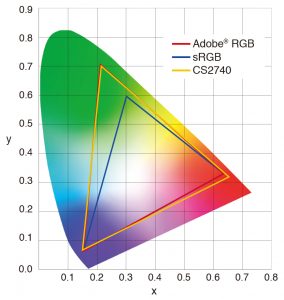
The wide color gamut reproduces almost the entire Adobe RGB color space so images shot in Adobe RGB will be displayed correctly. Photos of vibrant blue skies and lush green forests are reproduced faithfully in a way that monitors limited to an sRGB color space cannot display. The wide color gamut also ensures reproduction of almost the entire ISO-coated and US web-coated CMYK color spaces used in printing.
10-Bit Simultaneous Display
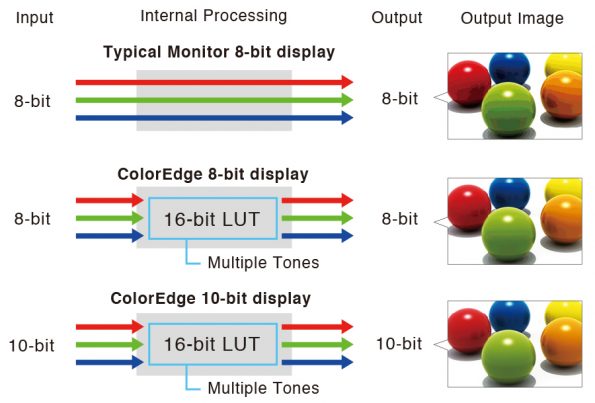
Using the DisplayPort or HDMI® inputs, the monitor offers 10-bit simultaneous display* from a 16-bit look-up-table (LUT) which means it can show more than one billion colors simultaneously. This is 64 times more colors than you get with 8-bit display, resulting in smooth color gradations and reduced Delta-E between two adjacent colors.
HDR Gamma Support
EIZO offers optional HLG and PQ curves for the ColorEdge CS2740 as an upgrade. The optimized gamma curves render images to appear more true to how the human eye perceives the real world compared to SDR.
Stable Image Display
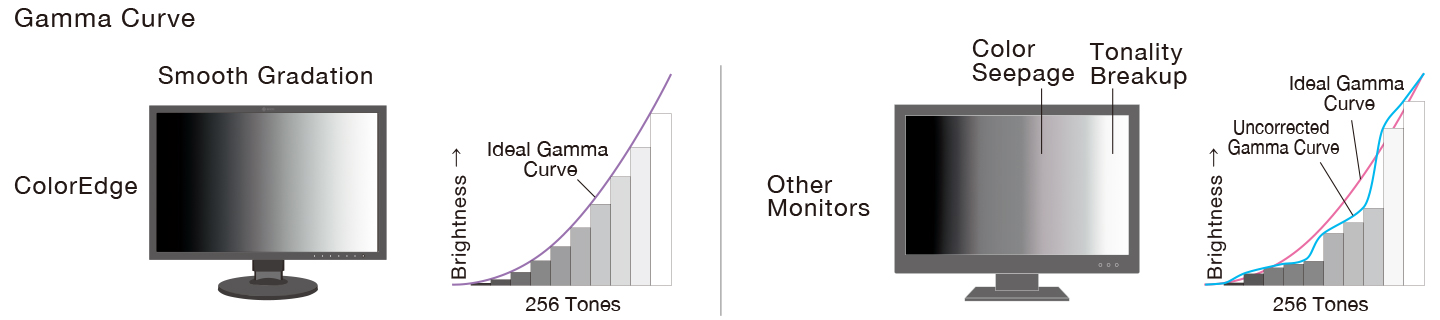
Adjusted at the Factory for Smooth Color Gradations
The gamma level for each ColorEdge monitor is adjusted at the factory by measuring the R, G, and B gamma values from 0 – 1023. The monitor’s 16-bit LUT is then used to select the 1024 most appropriate tones and achieve the desired value. This ensures the smoothest color gradations in your images.

Uniformity Across the Screen
LCD monitors commonly exhibit fluctuations in brightness and chromaticity across the screen, affecting color accuracy. To counter this, ColorEdge monitors are equipped with EIZO’s patented digital uniformity equalizer (DUE) technology which corrects deviations in every tone across the screen to ensure stable display.
User-Friendly Design
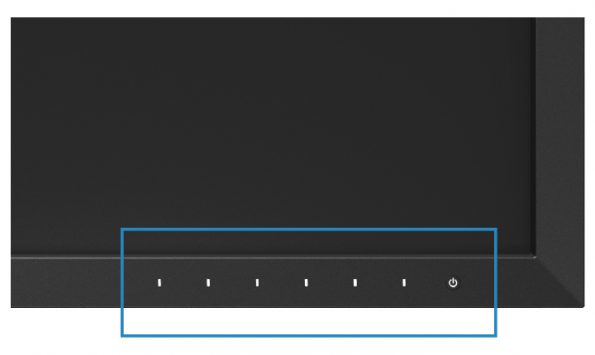
Seamless Electrostatic Switches
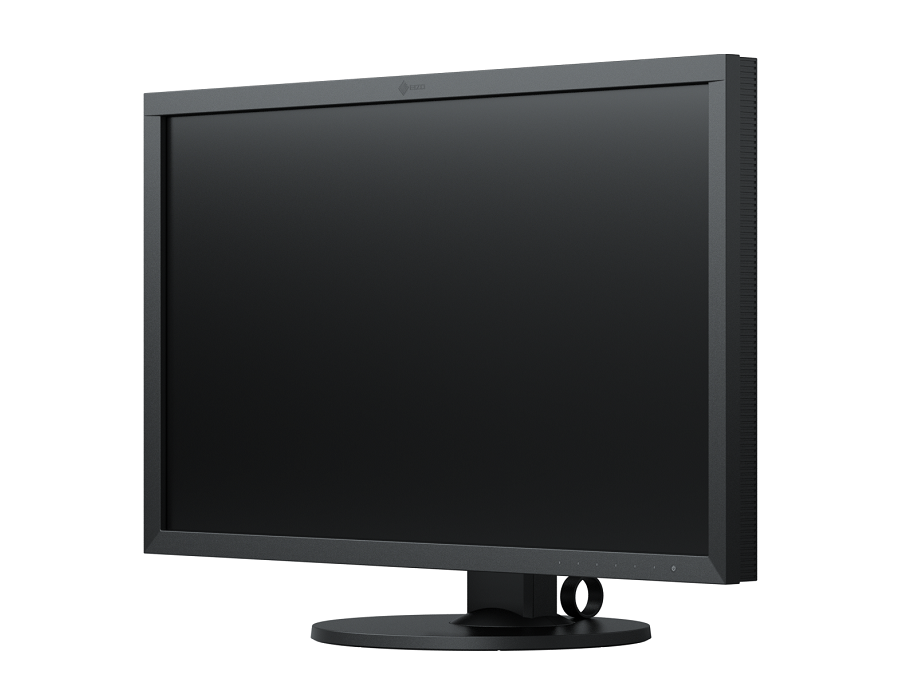
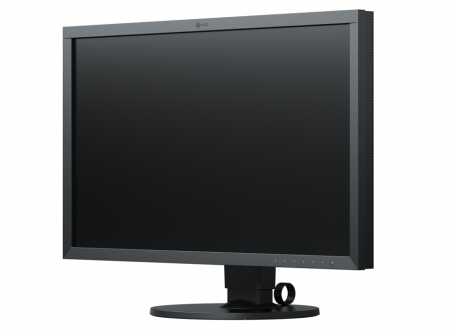
The flat design uses electrostatic switches on the front bezel in place of traditional buttons for seamless access to monitor setting.

Built-In Carrying Handle
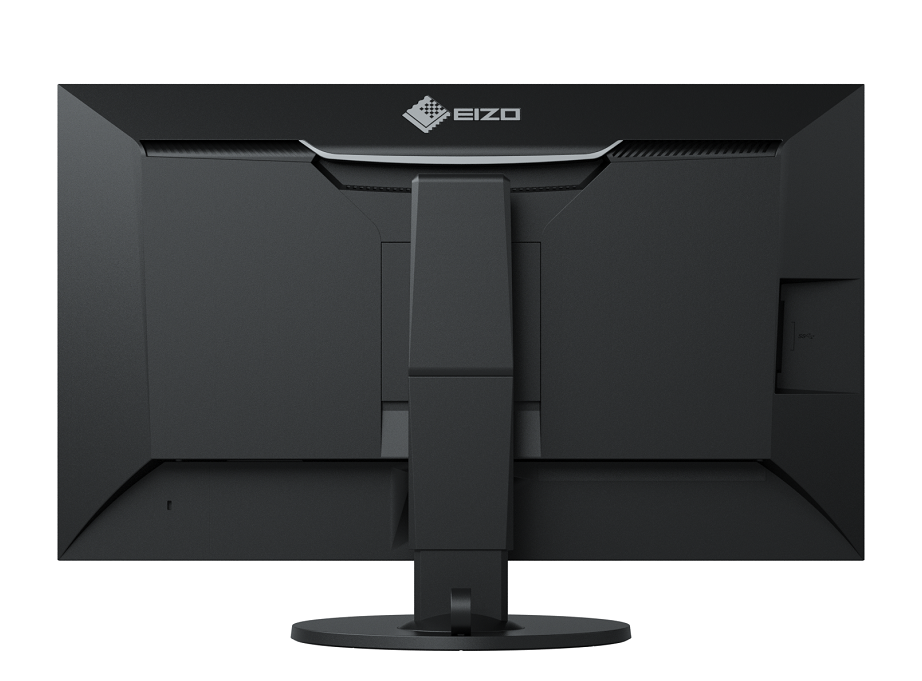
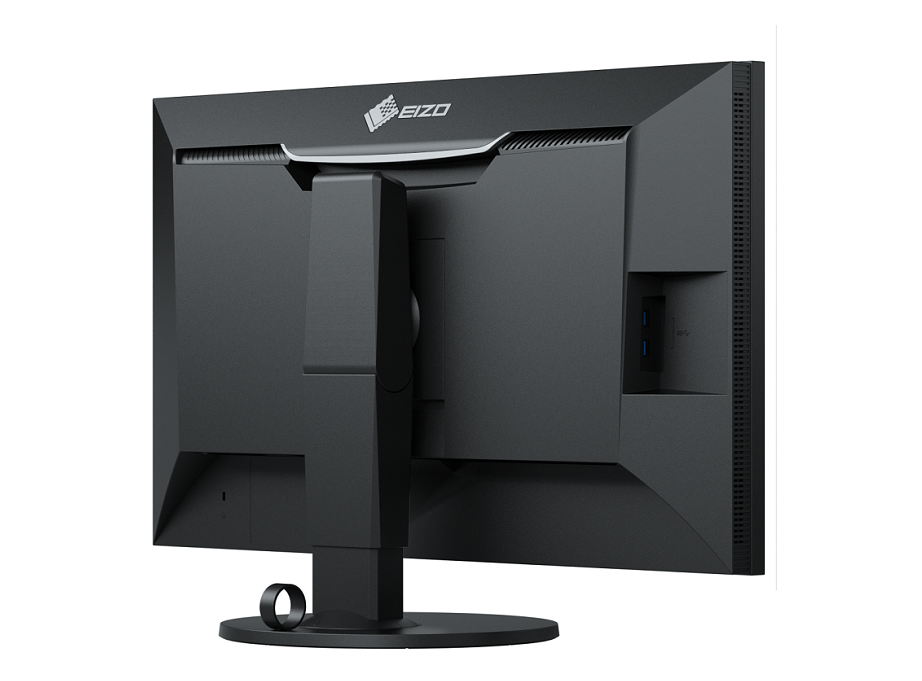
A carrying handle on the back of the monitor allows you to easily move it from one location to another.
Comfort and Ease-of-Use
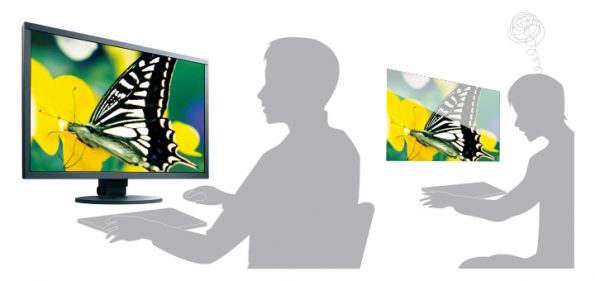
Minimized Reflections with Non-Glare Panel
The monitor is equipped with an IPS non-glare panel for high visibility. It also uses dimming technology to minimize flicker and help prevent eye fatigue for a more comfortable working environment.
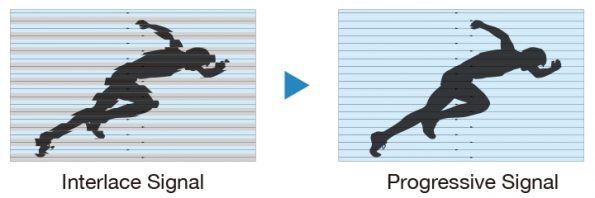
I/P Conversion for Flicker-Free Display
The HDMI input supports I/P (interlace/progressive) conversion for converting the interlace signals from TV and video into progressive signals for flicker-free display.
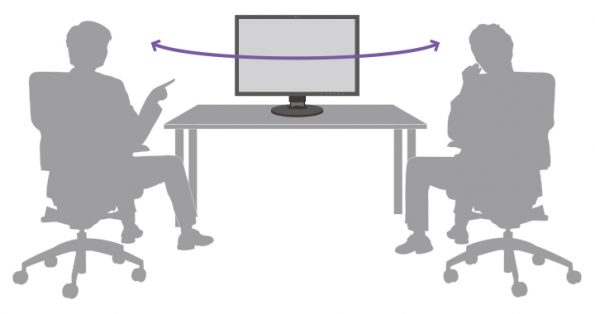
Wide Viewing Angles with IPS Panel
The 178° wide viewing angles afforded by the IPS panel technology allow two or more people to view the screen at once with little change in color or contrast.
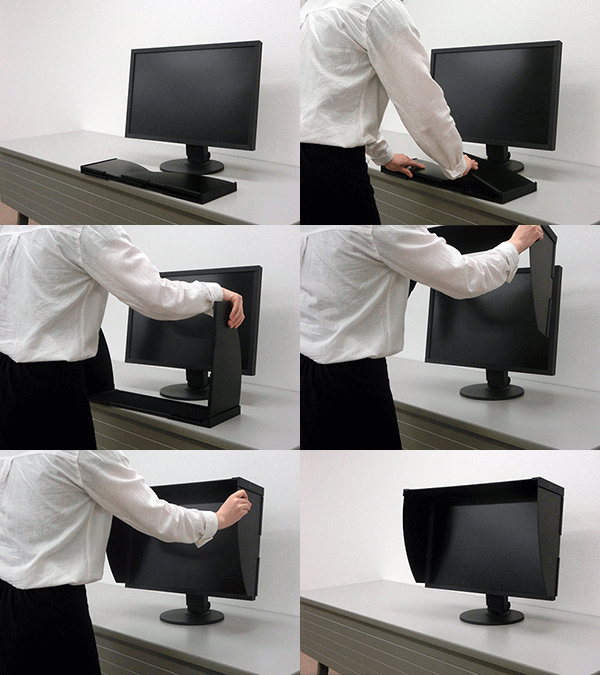
Optional Light-Shielding Hood
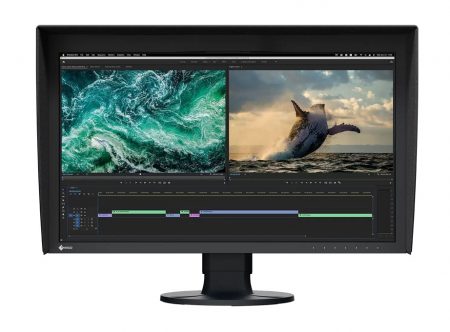
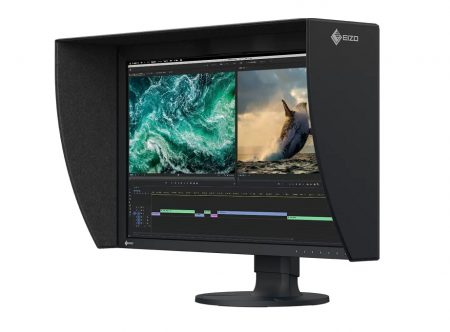
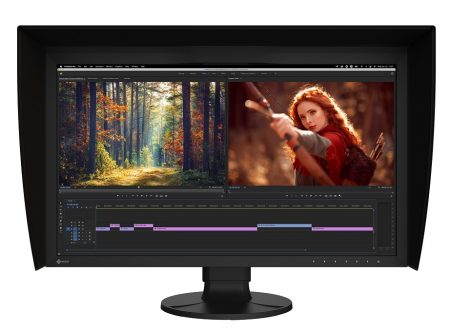
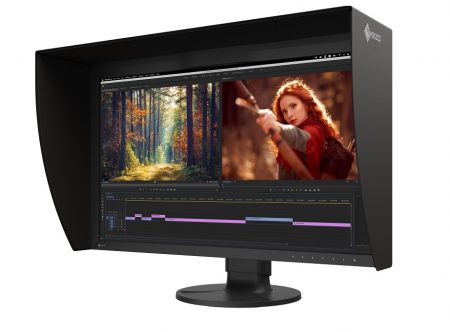
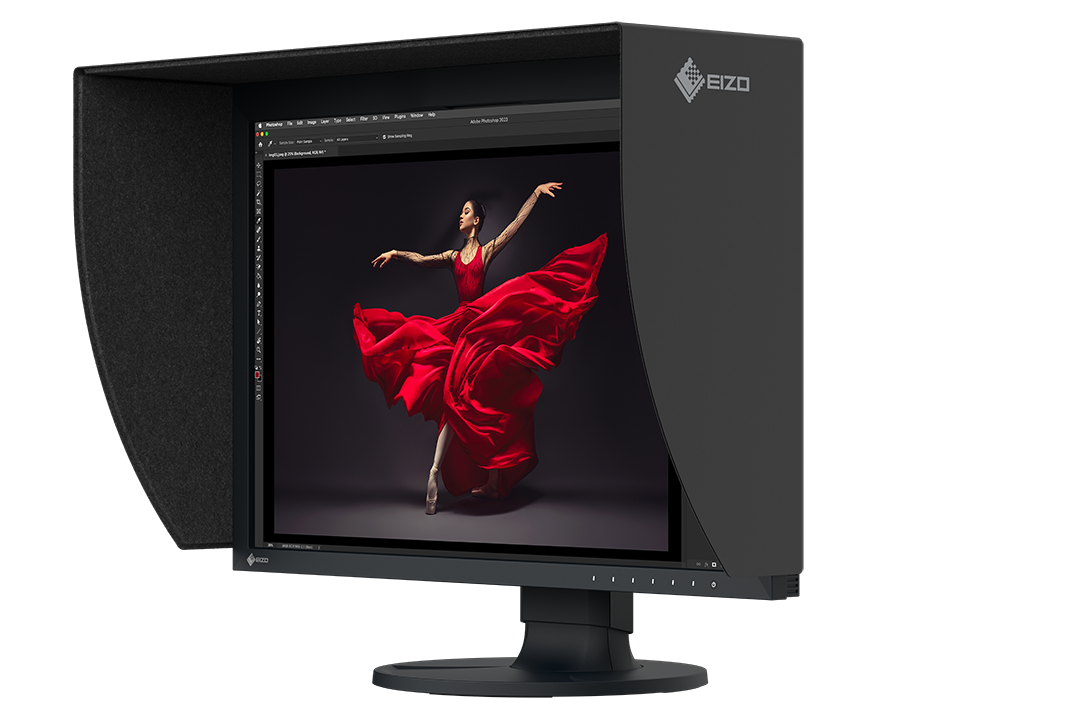
An optional light-shielding hood is available that effectively prevents glare on the monitor’s screen caused by ambient lighting. The hood attaches to the monitor magnetically, allowing users to setup quickly and easily without needing to connect separate parts.
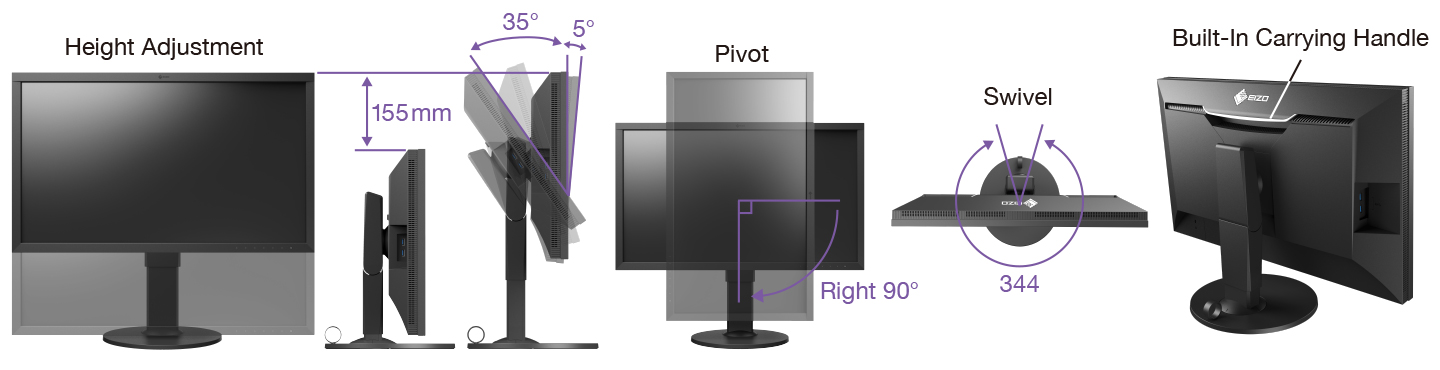
Ergonomic Stand for Comfort and Convenience
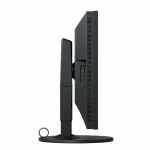
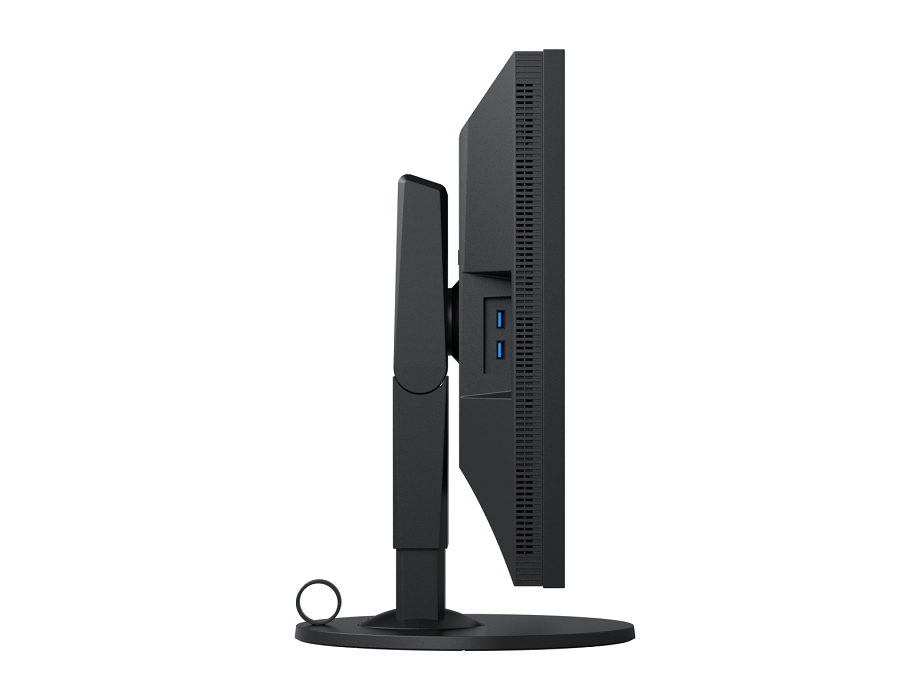
Adjust the screen to the most comfortable angle and reposition it to show your work to a colleague or client. The monitor comes with a versatile stand that offers height, tilt, and swivel adjustments as well as portrait display. The stand is also equipped with a quick release that allows you to easily remove the screen from the stand with one touch.
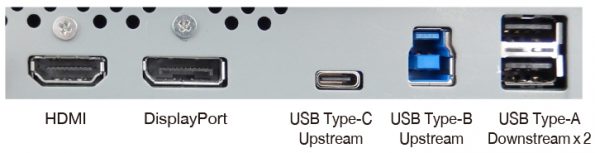

Multiple Inputs
The ColorEdge CS2740 is equipped with HDMI and DisplayPort inputs. In addition to USB Type-C, it also has a USB Type-B and four USB Type-A ports.

Sustainable Future
Our Contribution to SDGs



Color Precision for Creative Excellence
ColorEdge provides a high-precision color management solution for creative environments, powered by advanced display technology and consistent color control. Unified color management across the entire production workflow streamlines color communication across creative teams and studios, helping to reduce time and costs associated with rework due to color inconsistencies.
Environmentally Conscious Product Development
ColorEdge promotes the use of recycled materials and low-impact components, while maintaining the high performance demanded for creative work. The monitors are optimized for energy efficiency, contributing to lower greenhouse gas (GHG) emissions.
EIZO also collects and recycles used products to further minimize environmental impact. We strive to promote efficient and circular resource use across every stage of the product lifecycle – from parts and materials procurement to manufacturing, transportation, user experience, and end-of-life disposal.
All production sites at EIZO’s headquarters in Japan operate on 100% renewable energy.

Commitment to Quality
5-Year Warranty
ColorEdge monitors are backed by a manufacturer’s 5-year warranty that covers all components including the LCD panel*. EIZO manufactures its products at its own factories to allow close control over production quality and ensure each monitor is built to last.
*Usage time is limited to 30,000 hours.

Zero Bright Pixels
EIZO guarantees its ColorEdge monitors will be free from bright sub-pixels for six months from the date of purchase.

Used by Professional Creatives Worldwide
In 2015, EIZO established the ColorEdge Ambassador Program which showcases professional photographers, designers, filmmakers, and other creatives who are committed to inspiring and educating artists around the world. EIZO’s Ambassadors – all of them ColorEdge users – are passionately dedicated to their craft and prepare the best equipment for realizing their creative vision.
To see our ColorEdge Ambassadors, click here.
| Ανάλυση Οθόνης | |
|---|---|
| Διαγώνιος Οθόνης | |
| Τύπος Panel | |
| Color | |
| Χρόνος Απόκρισης |
Specifications
| Model Variations | CS2740-BK |
|---|---|
| Panel | |
| Type | IPS |
| Backlight | Wide-Gamut LED |
| Size | 26.9″ (68.4 cm) |
| Native Resolution | 3840 x 2160 (16:9 aspect ratio) |
| Viewable Image Size (H x V) | 596.2 x 335.3 mm |
| Pixel Pitch (H x V) | 0.155 x 0.155 mm |
| Pixel Density | 164 ppi |
| Display Colors | USB Type-C, DisplayPort, HDMI: 1.07 billion colors, 10-bit display (from a palette of 278 trillion, 16-bit LUT) |
| Viewing Angles (H / V, typical) | 178°, 178° |
| Brightness (typical) | 350 cd/m2 |
| Contrast Ratio (typical) | 1000:1 |
| Response Time (typical) | 10 ms (gray-to-gray) |
| Color Gamut (typical) | Adobe RGB: 99% |
| Video Signals | |
| Input Terminals | USB Type-C (DisplayPort Alt Mode, HDCP 1.3), DisplayPort (HDCP 1.3), HDMI (Deep Color, HDCP 2.2 / 1.4) |
| Digital Scanning Frequency (H / V) | USB Type-C, DisplayPort: 25 – 137 kHz, 23 – 61 Hz
HDMI: 15 – 135 kHz, 23 – 61 Hz |
| USB | |
| Upstream | USB 5Gbps: Type-C (DisplayPort Alt Mode, Power Delivery Source 60 W max.), USB 5Gbps: Type-B |
| Downstream | USB 5Gbps: Type-A x 2
USB 2.0: Type-A x 2 |
| Power | |
| Power Input | AC 100 – 240 V, 50 / 60 Hz |
| Typical Power Consumption | 36 W |
| Maximum Power Consumption | 168 W |
| Power Save Mode | 1.0 W or less |
| Features & Functions | |
| Digital Uniformity Equalizer | Yes |
| Preset Modes | User, Adobe RGB, sRGB, Calibration |
| OSD Languages | English, German, French, Italian, Japanese, Simplified Chinese, Spanish, Swedish, Traditional Chinese |
| Others | Color Adjustment, Input Color Format, YUV Color Matrix, Input Range, Noise Reduction, I/P Conversion, Picture Expansion, Menu Rotation, Power Save, Input Skip, Mode Skip, Custom Key, Information Display, Key Lock, DUE Priority |
| Physical Specifications | |
| Dimensions (Landscape, W x H x D) | 638 x 404.1 – 559.1 x 265 mm |
| Dimensions (Without Stand, W x H x D) | 638 x 378.2 x 75 mm |
| Net Weight | 10.3 kg |
| Net Weight (Without Stand) | 6.7 kg |
| Height Adjustment Range | 155 mm |
| Tilt | 35° Up, 5° Down |
| Swivel | 344° |
| Pivot | 90° |
| Hole Spacing (VESA Standard) | 100 x 100 mm |
| Environmental Requirements | |
| Operating Temperature | 0 – 35°C |
| Operating Humidity (R.H., non condensing) | 20 – 80% |
| Certifications & Standards (Please contact EIZO for the latest information.) | CB, CE, UKCA, TUV/GS, cTUVus, FCC-B, CAN ICES-3 (B), TUV/S, PSE, VCCI-B, RCM, EAC, RoHS, WEEE, TUV/Ergonomics |
| Dedicated Software | |
| Easy Screen-to-Print Color Matching Tool Quick Color Match | Supported |
| Proprietary Software | |
| Color Management Software ColorNavigator 7 | Supported |
| Supplied Accessories (May vary by country. Please contact EIZO for details.) | |
| Signal Cables | USB Type-C (2 m), DisplayPort (2 m) |
| Others | AC power cord, USB Type-A – USB Type-B cable (2 m), Setup guide, Warranty card, VESA mounting screw x 4 |
| Warranty | 5 Years 2 5 |
| Dimension Drawing |
- 2 With current LCD / OLED technology, a panel may contain a limited number of missing or flickering pixels.
- 5 If the monitor is left on continuously over a long period of time, dark smudges or burn-in may appear. To maximize the life of the monitor, we recommend the monitor be turned off periodically.


Dive Straight into Your Creativity
AVAILABILITY: In stock
Streamline your creative workspace and nurture your boundless imagination.
AVAILABILITY: In stock
Dive Straight into Your Creativity
AVAILABILITY: In stock
Effortless calibration
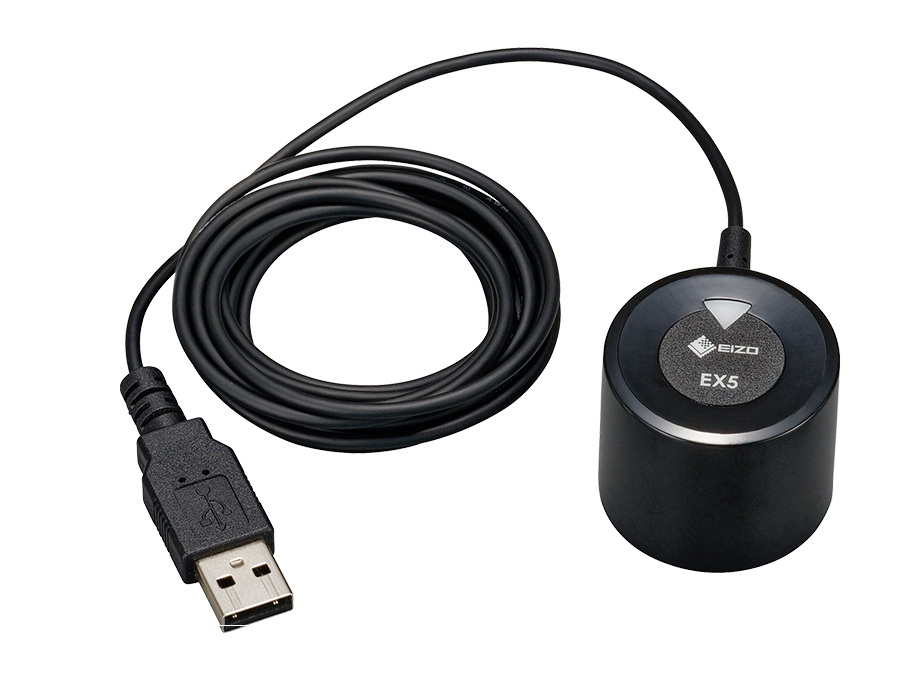
The EX5 is a dedicated external sensor for calibrating your ColorEdge monitor using ColorNavigator 7 color management software.
AVAILABILITY: In stock
Begin the journey to master what you enjoy.
AVAILABILITY: In stock
Make an Impact
AVAILABILITY: In stock
For the creative in everyone.
AVAILABILITY: In stock
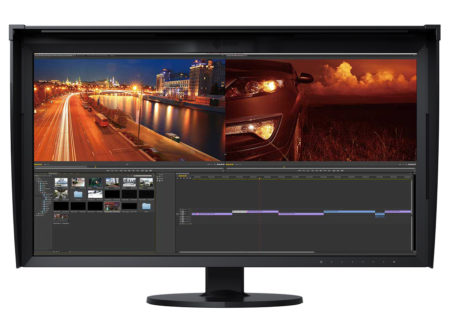
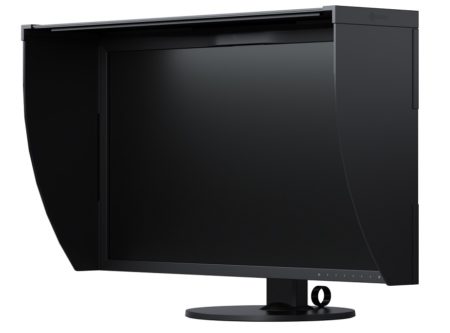
HDR video editing and color-accurate photo display in 4K resolution for creating a truly immersive experience.
AVAILABILITY: In stock
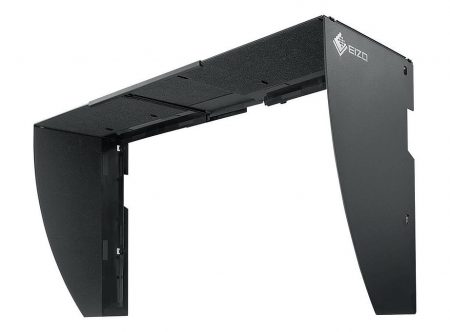
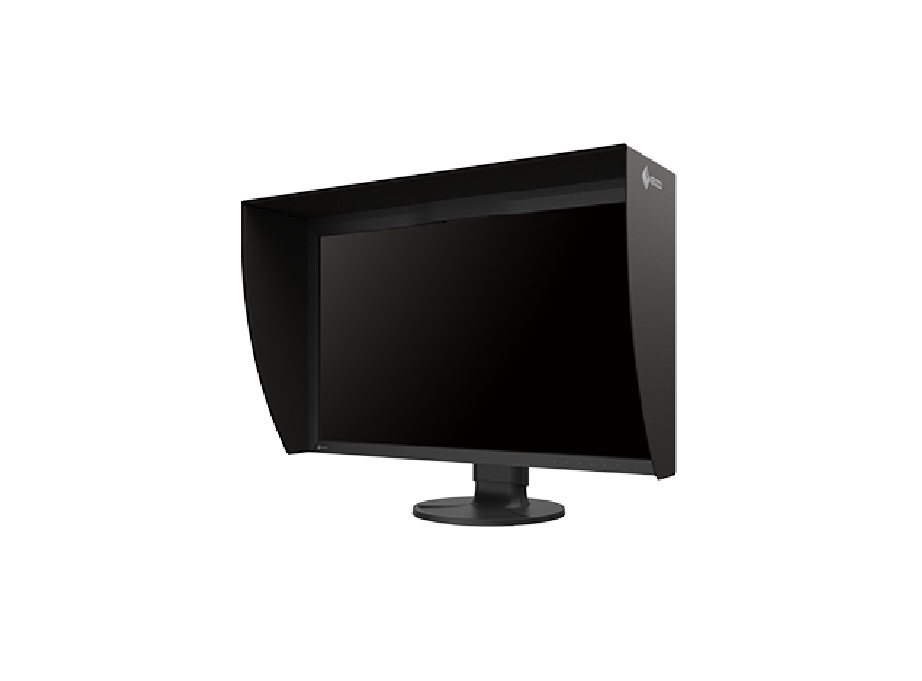
Monitor Hood
The monitor hood effectively prevents reflections caused by ambient lighting, ensuring a clear image and accurate color reproduction.
AVAILABILITY: In stock
Monitor Hood
The monitor hood effectively prevents reflections caused by ambient lighting, ensuring a clear image and accurate color reproduction.
AVAILABILITY: In stock