
RadiCS UX2
Monitor Quality Control Software & Calibration Sensor
If you would like to submit an inquiry or have any questions regarding this product, please complete the form below and we will get in touch with you as soon as possible.
Σύγκρινε
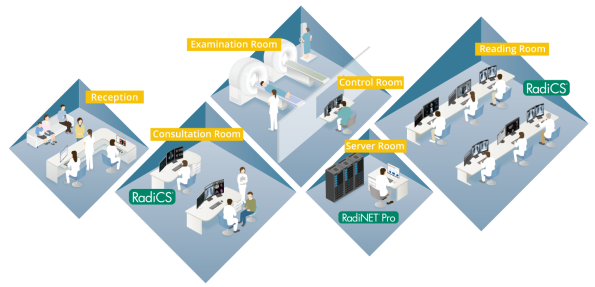
Optimal Quality Control of Monitors in Your Hospital
Maintain Quality Control of Individual Monitors
Ensuring that the quality control of each client monitor complies with important medical standards, from calibration to acceptance and constancy tests to history and asset management, requires technical know-how and experience. EIZO offers software and sensors that makes quality control efficient and user-friendly.
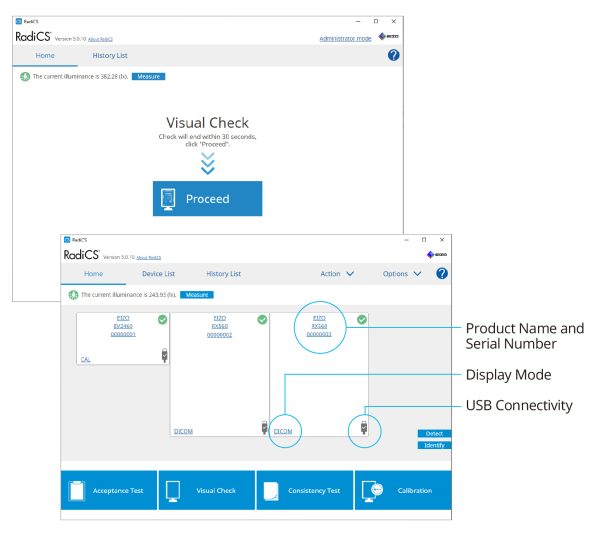
Improved User-Interface and Enhanced Operability
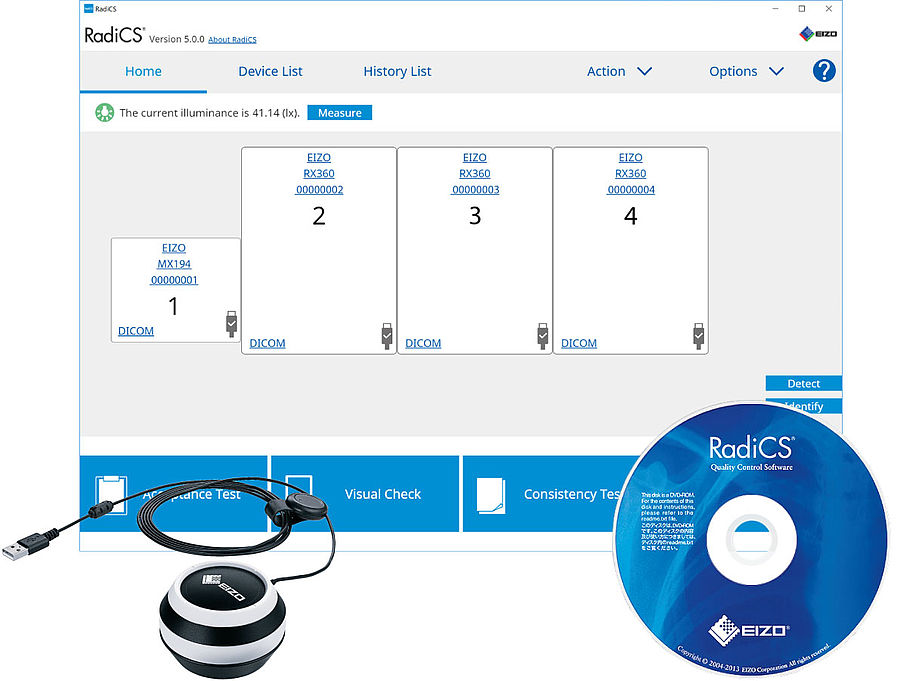
Graphical design and icons are arranged next to the text making it easy to comprehend the functions visually and intuitively. A compendium list also enables users to check the condition of monitors instantaneously. Furthermore with the intuitive on-screen wizard, you can easily complete monitor inspection and calibration.
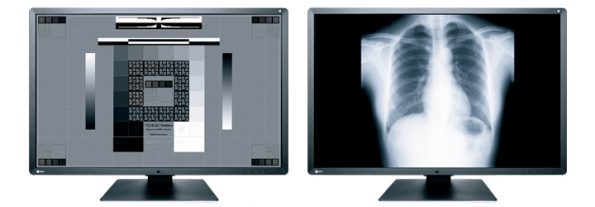
Acceptance and Constancy Testing in Easy Steps
RadiCS enables you to perform brightness, grayscale and uniformity checks that comply with AAPM TG18, DIN 6868-157, and other QC standards.
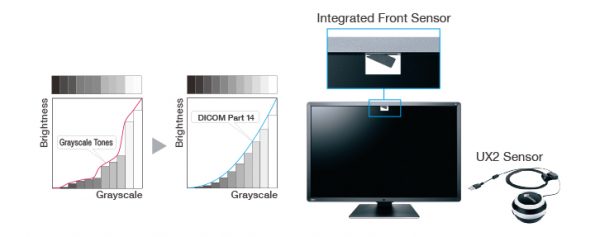
DICOM Part 14 Calibration
The built-in backlight sensor enables simplified calibration compliant with the DICOM Part 14 standard to correct the grayscale tones and brightness of the monitor. Furthermore, the use of an Integrated Front Sensor (IFS) or bundled UX2 Sensor enables higher calibration performance.
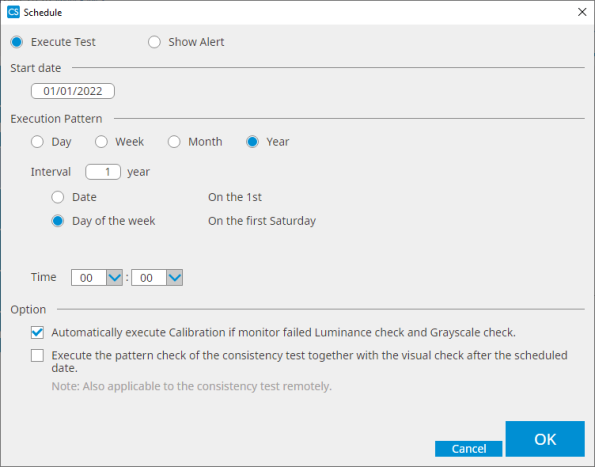
Flexible Schedule Setting
The timing of when to perform QC tasks such as daily tests or constancy tests can be set according to the needs of your institute. For example, when turning the PC on or just after a specific application is opened.
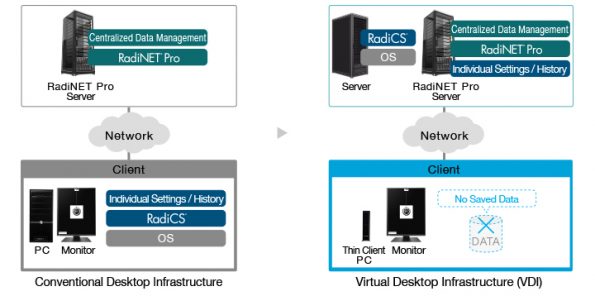
Work on a Virtual Desktop Infrastructure (VDI)
For the purpose of improving work efficiency, reducing costs, and saving space, virtual desktops are becoming increasingly common in the healthcare field. With RadiCS Version 5.0.0, all functions are accessible on client monitors from a virtual desktop infrastructure.
It is necessary to install RadiNET Pro Server in order to save settings and history of individual monitors.
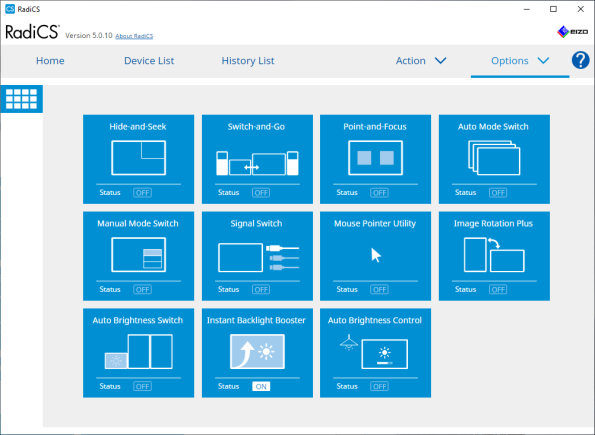
Improve the Interpretation Workflow
To improve work efficiency, EIZO’s unique Work-and-Flow provides various functions for providing a comfortable reading environment. These include functions such as the Auto Brightness Switch which dims the brightness of patient lists when not in use, for improved concentration during interpretation.
Function availability varies by monitor model.
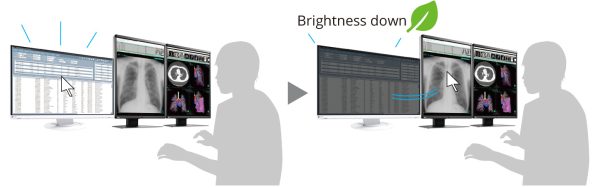
Improved Concentration
When interpreting images, the bright screen of a patient list on an external monitor can be distracting. With the Auto Brightness Switch function, the brightness of a connected FlexScan EV-Series monitor automatically dims when the cursor is moved out of the screen. This makes it easier to concentrate on diagnostic images and also saves on power consumption.
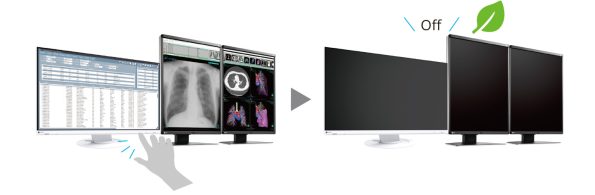
Save Power with Ease
With the Monitor Power Switch function, all monitors can be turned on or off just by touching one monitor. When leaving your desk, switching off all monitors is quick and easy.
This feature is limited to EIZO monitors connected via USB.
Specifications
| Compatible Operating Systems | Windows 11
Windows 10 macOS Ventura (13) macOS Monterey (12) |
|---|---|
| Display Functions | DICOM Part 14 GSDF, CIE, Exponential (gamma value), Log Linear, Linear, User definition |
| Interface | USB, RS-232C (Windows only) |
| Languages | English, German, Japanese, Chinese, French, Spanish |
| Package Contents | RadiCS DVD-ROM (RadiCS, User’s Manual), UX2 Sensor, Adsorptive sheet for the replacement, cleaning cloth, UX2 Sensor Instructions for Use |


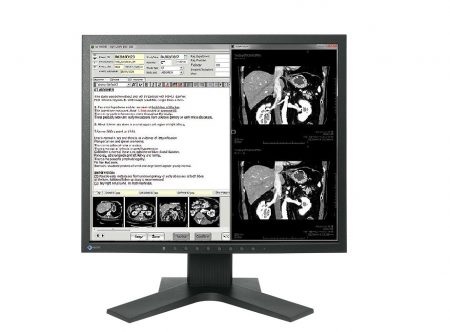
1MP 48.1 cm (19.0″) COLOR LCD MONITOR
19-inch, 1 megapixel monitor with DICOM Part 14 calibration for viewing DSA, CT, and MRI.
AVAILABILITY: In stock
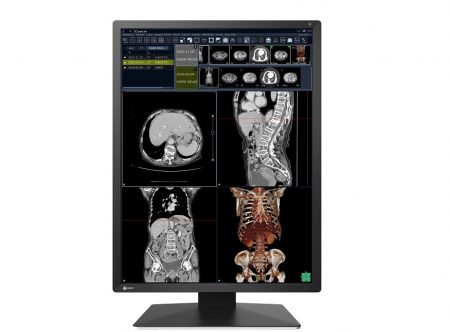
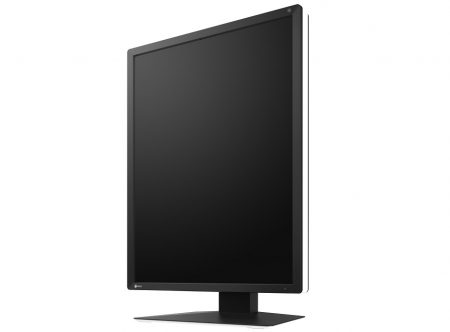
21.3″ Color LCD Monitor
AVAILABILITY: In stock
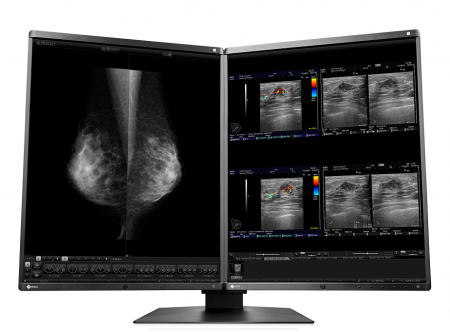
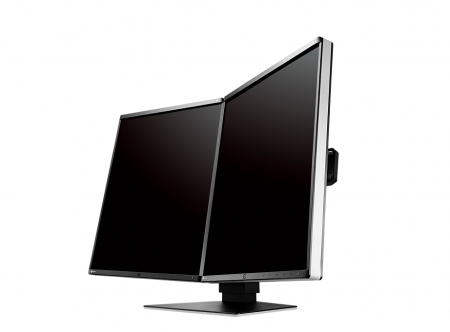
5MP 54.1cm (21.3″) COLOR LCD MONITOR
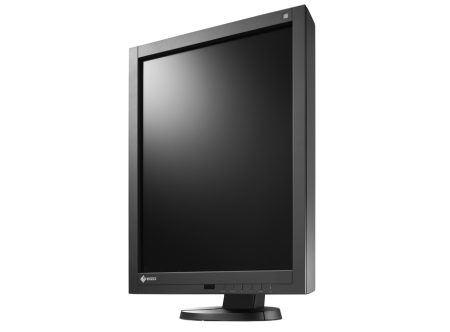
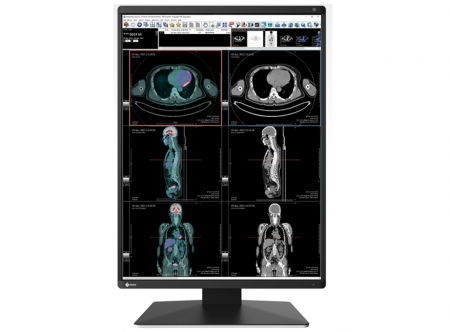
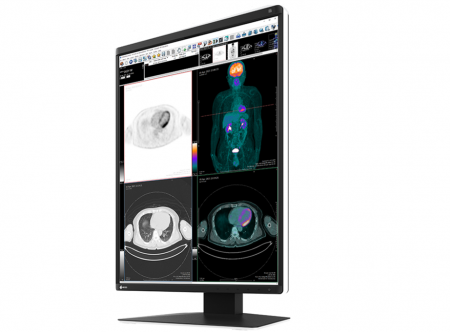
This 5 megapixel, high-brightness color monitor has the high-definition display necessary for breast imaging. It combines ease-of-use, such as a narrow bezel design to help your eyes swiftly move from one monitor to another, with new functions to help you focus on your work and maintain high performance.
AVAILABILITY: In stock
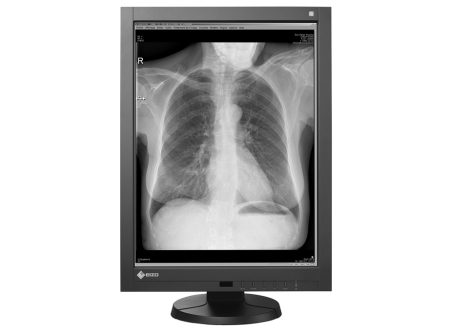
21.3″ Color LCD Monitor
monochrome and color images.
AVAILABILITY: In stock
Network QC Management Software
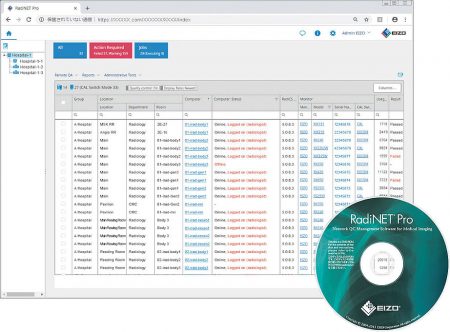
RadiNET Pro enables centralized QC management of multiple displays used across hospital systems such as PACS (Picture Archiving and Communication System), HIS (Hospital Information System), and RIS (Radiology Information System).
In addition to reducing the workload of monitor administrators and technicians, this software significantly minimizes the cost of maintaining and quality-assuring hospital displays.
AVAILABILITY: In stock

Network QC Management Server Provider
AVAILABILITY: In stock
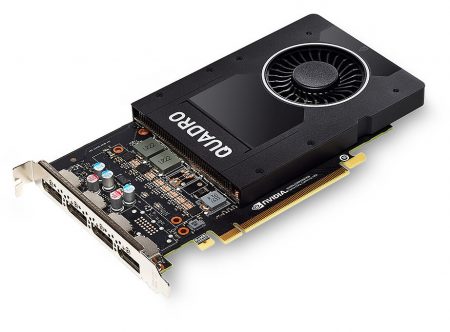
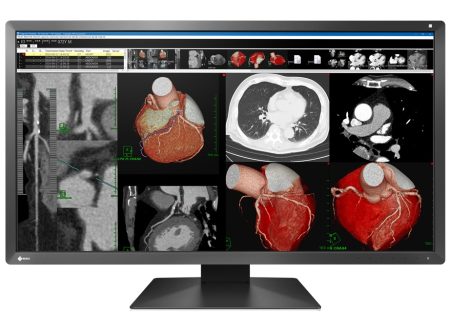
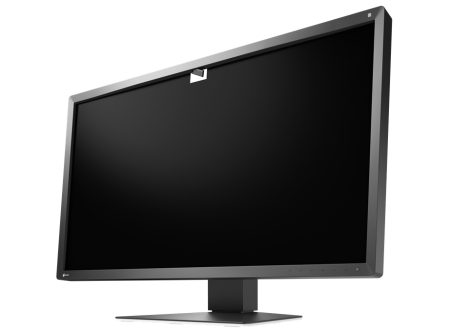
30.5″ Color LCD Monitor
High-Definition Medical Monitor with USB Type-C Docking, Comfort of Home Teleradiology.
AVAILABILITY: In stock
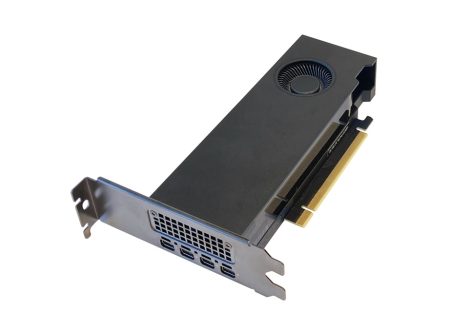
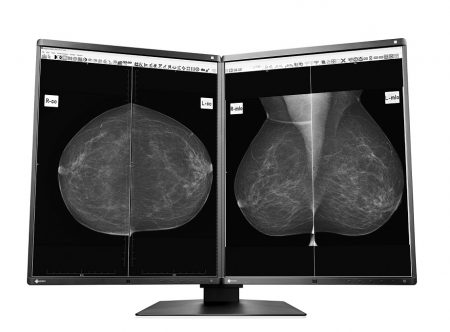
5MP 54.1cm (21.3″) Monochrome LCD Monitor
AVAILABILITY: In stock
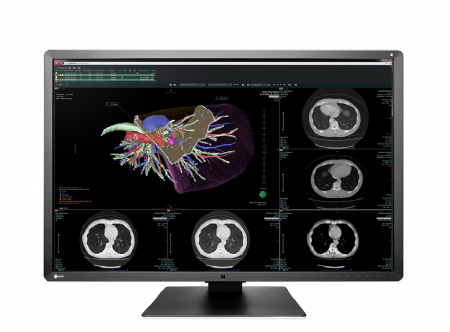
6MP 76cm (30.0″) COLOR LCD MONITOR
A 6 megapixel monitor ideal for viewing a variety of medical images at the same time including CR, DR, CT, MRI, and ultrasound. Featuring a new design and unique EIZO technology, this monitor offers precise medical image viewing as well as ease-of-use.
AVAILABILITY: In stock