
RadiNET Pro

Network QC Management Software
RadiNET Pro enables centralized QC management of multiple displays used across hospital systems such as PACS (Picture Archiving and Communication System), HIS (Hospital Information System), and RIS (Radiology Information System).
In addition to reducing the workload of monitor administrators and technicians, this software significantly minimizes the cost of maintaining and quality-assuring hospital displays.
If you would like to submit an inquiry or have any questions regarding this product, please complete the form below and we will get in touch with you as soon as possible.
Σύγκρινε
Optimal Quality Control of Monitors in Your Hospital
Maintain Quality Control for a Large Number of Monitors
For many hospitals, maintaining quality control of a large number of monitors consumes a great deal of time and labor. EIZO offers centralized management of client monitors connected to the hospital network, providing increased efficiency of monitor QC operations.
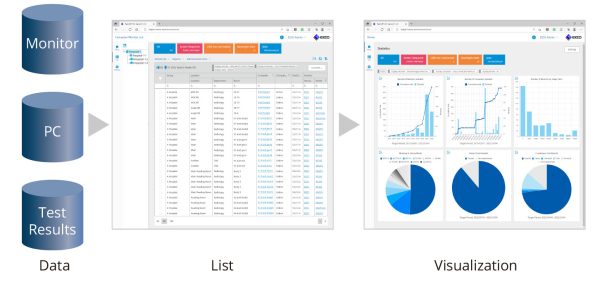
Administrative Efficiency with Comprehensive Dashboard
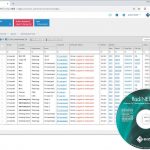
The dashboard function allows you to easily check management and operational status of all RadiForce monitors in the hospital at a glance. Data is arranged in a comprehensive graph format so administrators can quickly assess information and handle administrative processes more efficiently.

Centralized Monitor Management
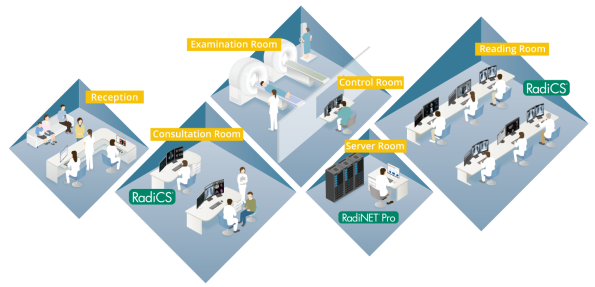
RadiNET Pro enables centralized management of all client PC monitors with RadiCS software installed via the intra-hospital network. Because it is a web-based application, administrators can easily conduct monitor QC operations from anywhere in the hospital via the web browser.
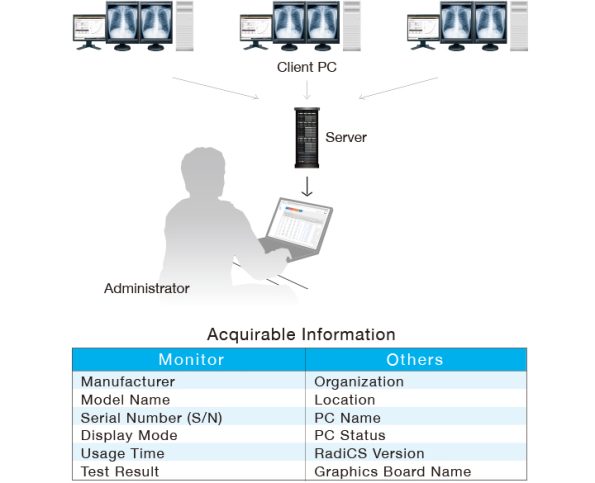
Unified Asset Management
The asset information, such as model name and usage time of both RadiForce monitors and FlexScan EV-Series monitors used for displaying patient lists, can be displayed using RadiNET Pro. Information such as the connected PC and graphics board, medical institution, and installation location can also be acquired for diverse asset management. For example, by switching monitors with long usage times with those that have short usage times, the total average usage time can be more effectively managed.
In addition, management rules can be set using the intuitive on-screen wizard, to optimize the operation of monitors in different groups and facilities.
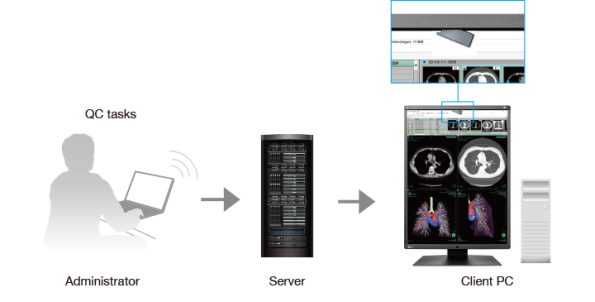
Save Time with Remote Calibration
QC tasks such as testing and calibration using the Integrated Front Sensor (IFS) can be performed remotely. This dramatically reduces the time and effort of the users and administrators required for calibration of the monitors.
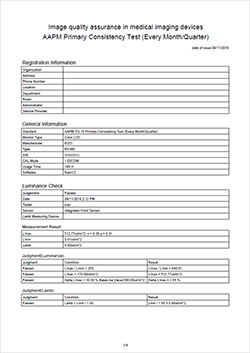
Collective Report Generator
Results of acceptance and constancy tests and calibration history, along with all the monitor data can be created in reports or printouts. For extra convenience, collective reports of multiple monitors can also be generated as one report and printed out.
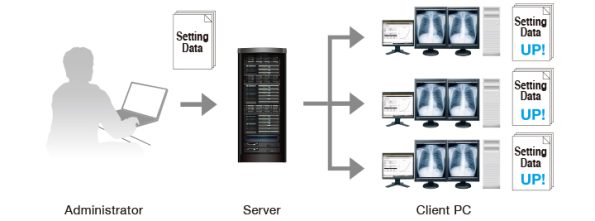
One Time Remote Setting
In addition to scheduling monitor calibration, and acceptance and constancy tests, a group policy can be set for settings such as the Backlight Saver and Monitor Power Switch in accordance with each facility’s situation. This group policy can be set according to each facility or department using an intuitive on-screen wizard.

Securely Follow Group Policy
In order to effectively use a group policy, not only are the policy settings important, but so is the reliability of their operation. When installing a new client monitor, the policy may need to be manually applied to each new monitor. With RadiNET Pro the configured group policy is installed automatically to new monitors. This allows monitor management to begin automatically according to a policy chosen in advance by the administrator.
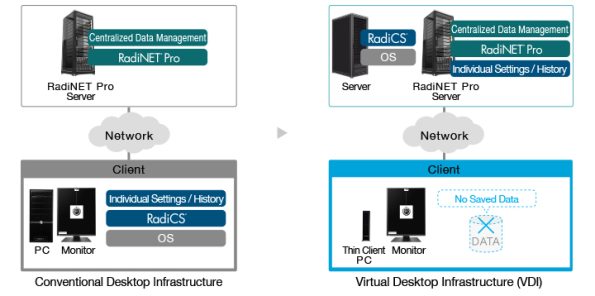
Work on a Virtual Desktop Infrastructure (VDI)
For the purpose of improving work efficiency, reducing costs, and saving space, virtual desktops are becoming increasingly common in the medical field. With RadiNET Pro Version 5.0.0, it is possible to centrally manage client monitors from a virtual desktop infrastructure.
Specifications
| Manageable Number of PCs / Monitors | 1000 PCs / 8000 Monitors Maximum |
|---|---|
| Administrator PC Browser | Microsoft Edge 79 or later
Google Chrome browser |
| Administrator PC Resolution | 1024 x 768 Minimum |
| Server PC Operating Systems | Windows Server 2022 Standard
Windows Server 2019 Standard Windows Server 2016 Standard Windows Server 2012 R2 Standard Windows 11 Pro / Enterprise Windows 10 Pro / Enterprise (64-bit) |
| Server PC Database | SQL Server 2022 Standard / Express Edition
SQL Server 2019 Standard / Express Edition SQL Server 2016 Standard / Express Edition SP2 |
| Server PC Hard Disk Drive | 150 GB Minimum |
| Server PC Memory | 8 GB Minimum |
| Languages | English, German, Japanese, Chinese, French, Spanish |


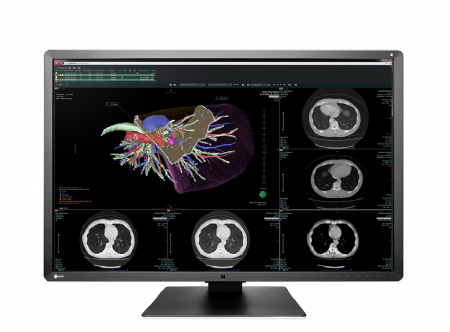
6MP 76cm (30.0″) COLOR LCD MONITOR
A 6 megapixel monitor ideal for viewing a variety of medical images at the same time including CR, DR, CT, MRI, and ultrasound. Featuring a new design and unique EIZO technology, this monitor offers precise medical image viewing as well as ease-of-use.
AVAILABILITY: In stock
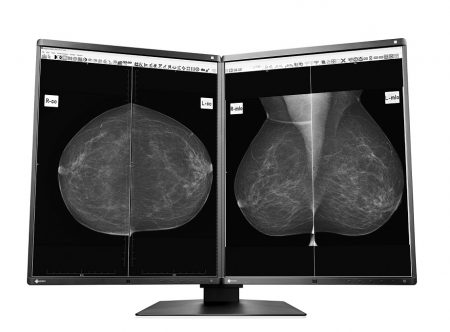
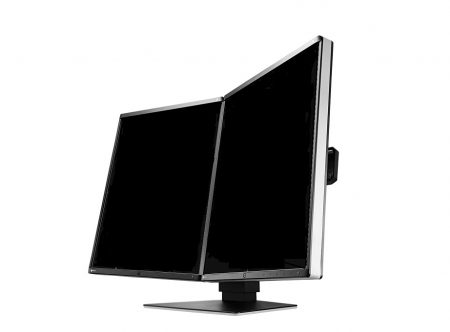
5MP 54.1cm (21.3″) Monochrome LCD Monitor
AVAILABILITY: In stock
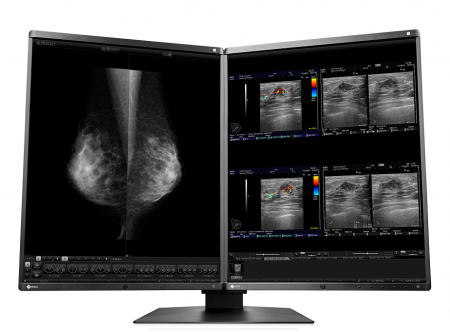
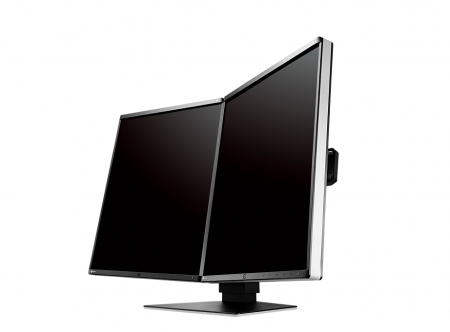
5MP 54.1cm (21.3″) COLOR LCD MONITOR
This 5 megapixel, high-brightness color monitor has the high-definition display necessary for breast imaging. It combines ease-of-use, such as a narrow bezel design to help your eyes swiftly move from one monitor to another, with new functions to help you focus on your work and maintain high performance.
AVAILABILITY: In stock
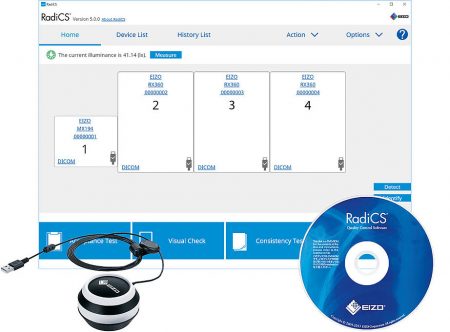
Monitor Quality Control Software & Calibration Sensor
AVAILABILITY: In stock

Network QC Management Server Provider
AVAILABILITY: In stock
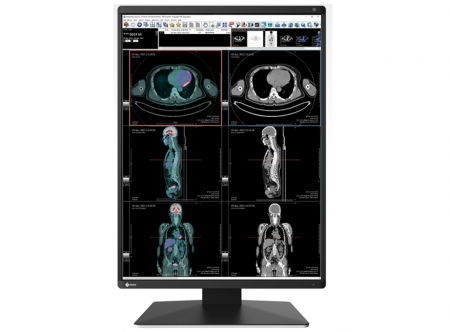
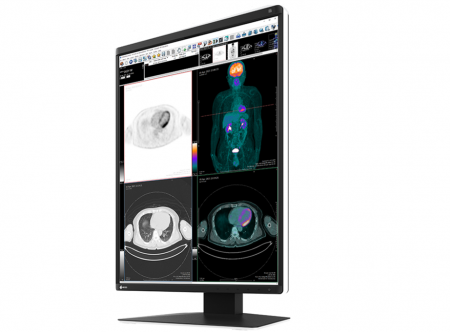
21.3″ Color LCD Monitor
monochrome and color images.
AVAILABILITY: In stock
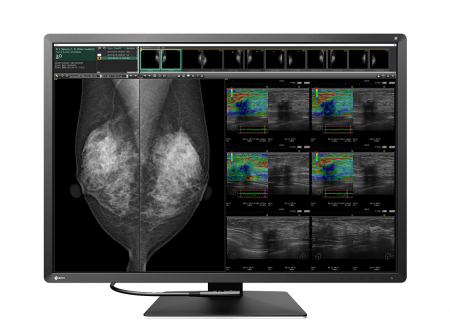
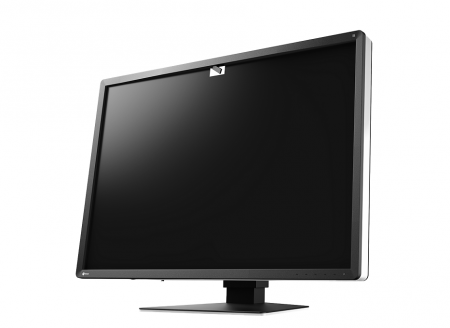
12MP 78.4cm (30.9″) Color LCD Monitor
Compact 12 megapixel multi-modality monitor packed full of features to improve comfort and work efficiency.
AVAILABILITY: In stock
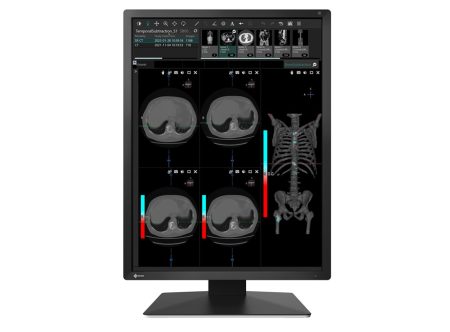
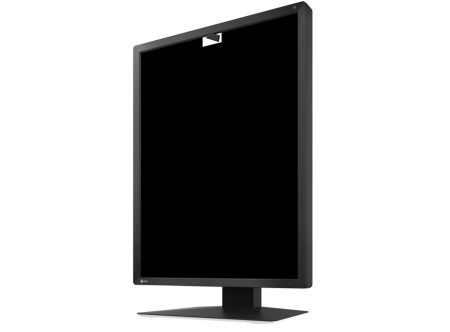
21.3″ Color LCD Monitor
AVAILABILITY: In stock
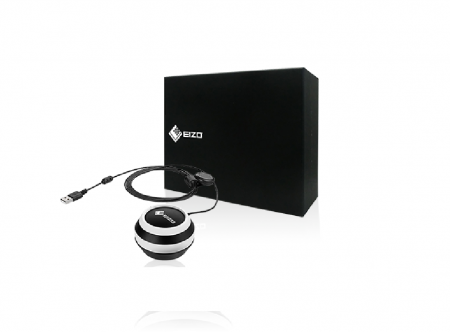
Calibration Sensor
AVAILABILITY: In stock